

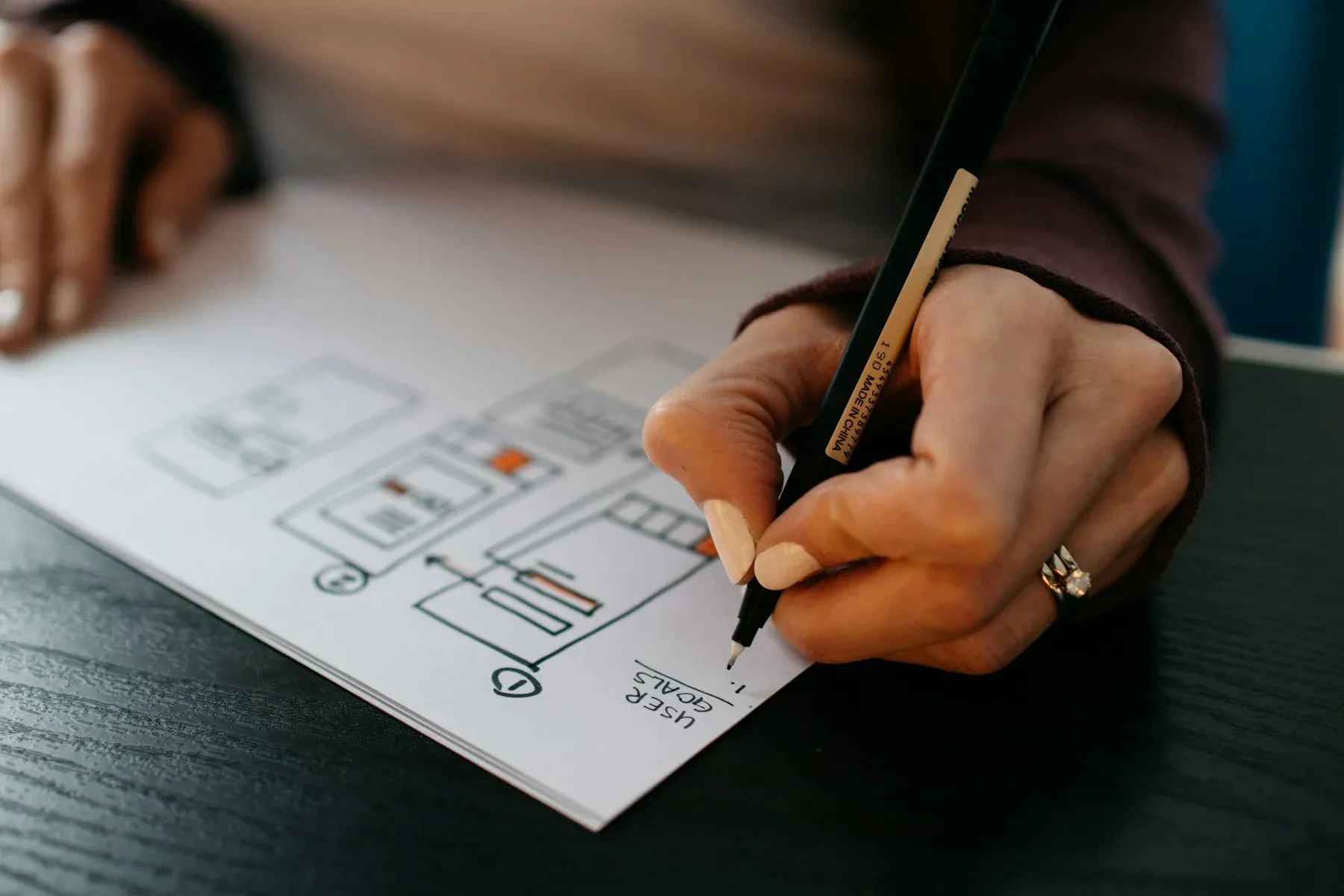
When Software Is Difficult to Use, People Stop Using It
Most software doesn't fail because it's missing features — it fails because users struggle to complete simple tasks. Confusing navigation, unnecessary steps, unclear actions, and inconsistent interfaces frustrate users, increase support requests, and reduce productivity.
Whether it's a customer placing an order or an employee using internal software every day, every extra click, confusing screen, or unnecessary decision creates friction.
Good UI/UX design removes that friction, making digital products easier to learn, faster to use, and more enjoyable for everyone.
Design Starts With Understanding People
Effective design begins by understanding what users are trying to accomplish — not by choosing colors or creating attractive layouts.
We study user goals, business processes, and common pain points before designing screens that guide people naturally through each task.
The result is software that feels intuitive, reduces mistakes, and helps users achieve their goals with confidence.
How Better UI/UX Design Benefits Your Business
Improve User Satisfaction
Create experiences that feel intuitive and enjoyable, encouraging users to return with confidence.
Increase Productivity
Help employees complete tasks faster with simpler workflows and clearer interfaces.
Reduce Training & Support
Well-designed software requires less training and generates fewer support requests.
Increase Conversions
Guide customers naturally toward enquiries, purchases, bookings, or other important actions.
Reduce User Errors
Design interfaces that prevent mistakes and make important actions easier to complete.
Create Consistent Experiences
Ensure every screen feels familiar, making your product easier to learn and easier to trust.
When Is It Time to Improve Your Product's User Experience?
A UI/UX Redesign Is Worth Considering When
- Users struggle to complete common tasks
- Support requests keep increasing
- Customers abandon important workflows
- Employees avoid using internal software
- Your product has grown without a consistent design
- Business goals have changed but the interface hasn't
Your Current Design May Already Be Working Well When
- Users complete tasks quickly without assistance
- Customer feedback is consistently positive
- Support requests are low
- The product is easy to learn
- Design is already consistent across all screens
- Usability isn't creating business problems
UI/UX Design Services We Offer
Every product is different, but every great user experience starts with understanding users, simplifying workflows, and designing interfaces that make everyday tasks feel effortless.
User Research & Experience Strategy
Usability Audits
Evaluate your existing website, application, or software to identify usability issues, user frustrations, and opportunities to improve the overall experience.
User Journey Mapping
Visualize how users move through your product, identify friction points, and design smoother experiences from start to finish.
Information Architecture
Organize navigation, menus, and content so users can easily find what they need without confusion.
UX Strategy & Product Planning
Plan user flows, business goals, and product functionality before development begins, reducing costly changes later.
Interface Design
Website UI Design
Design modern, conversion-focused websites that balance visual appeal with usability and accessibility.
Web Application & Dashboard Design
Create intuitive dashboards and business applications that help users complete complex tasks quickly and confidently.
Mobile App UI Design
Design Android and iOS experiences that feel natural, responsive, and easy to use across different screen sizes.
Wireframes & Interactive Prototypes
Validate ideas early through wireframes and clickable prototypes before investing in full-scale development.
Design Systems & Product Consistency
Design Systems
Build reusable design standards that keep every screen, interaction, and component visually consistent.
Component Libraries
Create reusable UI components that help development teams build faster while maintaining consistency.
Accessibility Reviews
Evaluate interfaces against accessibility best practices to improve usability for all users.
Development Collaboration
Developer Handoff
Provide detailed specifications, assets, design documentation, and interaction guidelines for smooth implementation.
Design QA
Review completed interfaces during development to ensure the final product matches the approved designs.
UI/UX Consulting
Support internal product, design, and development teams with expert guidance on usability, workflows, and product improvements.
Common User Experience Problems We Help Solve
Complicated Registration & Login
Reduce unnecessary steps and make it easier for users to access your product.
Confusing Dashboards
Present complex information in a way that's easy to understand and act upon.
Slow Task Completion
Simplify workflows so users can finish important tasks with fewer clicks.
Low Conversion Rates
Improve landing pages, forms, and customer journeys that encourage more enquiries, sign-ups, and purchases.
Poor Mobile Experience
Create responsive interfaces that work smoothly across different screen sizes and devices.
Inconsistent Product Design
Build unified design systems that create a consistent experience across every part of your product.
Designed for Real Users in Real Environments
People don't always use software in ideal conditions. They switch between mobile phones, tablets, laptops, and desktops while working in offices, warehouses, hospitals, retail stores, and on the move.
We design interfaces that remain simple, readable, and easy to use across different devices, screen sizes, internet connections, and working environments.
By designing for real-world usage rather than ideal scenarios, we create products that people can confidently use every day.
Design That Developers Can Build
A beautiful design has little value if it's difficult to implement. That's why we work closely with developers throughout the design process to ensure every interaction, component, and workflow can be built efficiently.
Our design deliverables include clear specifications, reusable components, interaction guidelines, and structured documentation that reduce ambiguity during development.
The result is faster implementation, fewer revisions, and a final product that closely matches the approved design.
Why Businesses Choose Rabitcube for UI/UX Design
User-Centered Design
Every interface is designed around user needs, business objectives, and practical usability — not visual trends.
Business-Focused Experiences
We create experiences that improve productivity, engagement, customer satisfaction, and business outcomes.
Built for Development
Our designs are created with implementation in mind, making development smoother and more predictable.
Consistent Design Systems
Reusable components and design standards help your product remain consistent as it grows.
Accessibility & Usability
We design products that are easier to understand, easier to navigate, and accessible to a wider range of users.
Long-Term Product Thinking
We design experiences that continue supporting your users and your business as your product evolves.
Signs Your Product May Need a UI/UX Redesign
Users Frequently Ask for Help
If customers or employees regularly need guidance to complete simple tasks, the interface may be creating unnecessary confusion.
High Drop-Off Rates
People begin important actions such as registrations, enquiries, or checkouts but don't finish them.
Employees Prefer Spreadsheets
Your internal software technically works, but staff continue using spreadsheets or manual processes because they're faster.
Too Many Clicks
Simple tasks require multiple screens or unnecessary steps, reducing productivity and increasing frustration.
Inconsistent Screens
Buttons, navigation, layouts, and interactions behave differently across different parts of the product.
Growing Support Requests
Support teams repeatedly answer the same usability questions because users struggle to navigate the product.
Our UI/UX Design Process
- 01
Understand Users & Business Goals
We begin by understanding your users, business objectives, existing workflows, and the challenges people face while using your product.
- 02
Research & Plan the Experience
We map user journeys, organize information, and design intuitive workflows that simplify how users complete important tasks.
- 03
Design & Prototype
Our designers create wireframes, high-fidelity interfaces, and interactive prototypes that allow ideas to be validated before development begins.
- 04
Review & Refine
We gather feedback, improve usability, and refine the experience until the product is simple, intuitive, and aligned with your business goals.
- 05
Support Development
We provide detailed design specifications, reusable components, and developer support to ensure the final product matches the approved design.
Frequently Asked Questions
Is UI/UX design included in your website and software development services?
Yes. Every website, mobile app, and custom software project we build includes UI/UX design as part of the development process. This standalone service is ideal for businesses that already have a product, want to redesign an existing experience, or need design before development begins.
Can you improve just one part of our product, like checkout or onboarding?
Yes, and that's often the better place to start. We regularly take on a single high-impact flow rather than a full redesign, fix the screens causing measurable drop-off, and leave the rest of the product alone unless there's a clear reason to change it.
Do you work with our existing development team?
Yes. We regularly collaborate with in-house development teams and external agencies by providing complete design files, specifications, component libraries, and implementation guidance.
What design tools do you use?
We primarily use modern collaborative design tools such as Figma to create wireframes, interactive prototypes, design systems, and developer-ready design specifications.
What deliverables will we receive?
Depending on your project, you'll receive user flows, wireframes, high-fidelity UI designs, interactive prototypes, design systems, reusable component libraries, and complete developer handoff documentation.
What happens if our developers hit problems implementing the design?
We stay available during the build. We answer implementation questions, adjust designs where a technical constraint makes the original impractical, and review the finished screens so the shipped product matches what was approved.
Let's Talk
Ready to Create a Better User Experience?
Whether you're building a new product or improving an existing one, we help design experiences that are intuitive, efficient, and enjoyable to use. Let's create software your users actually enjoy using.
- Free UI/UX consultation
- User-focused design recommendations
- Developer-ready design deliverables
- Clear project roadmap with transparent pricing
Free consultation • No commitment • Practical design advice